

STOP! THINK! ACT!
New and Old DBAs alike have often relied on the Ola Hallengren maintenance solution. For those that are fairly new to the maintenance plans you may come across a situation where you looked for why a backup or integrity job failed. Typically a DBA will start off by looking at the Job History to see if they can determine what happened. What you often find in these situations is the actual command output from the Ola job and not the actual failure. And what usually throws people off is when they see the IF @ReturnCode <> 0 RAISERROR(‘Error creating directory.’,16, 1). This is not an actual error. This is simply still part of the code that the Ola job is using in it’s command.
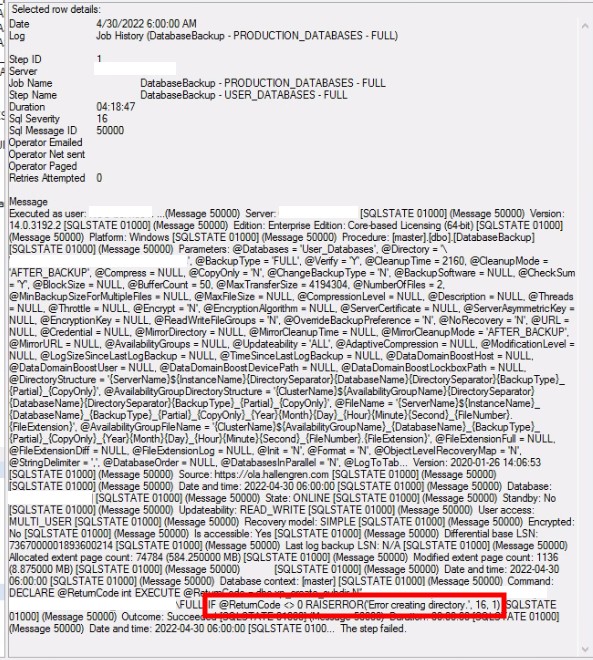
These Ola logs are by default placed in the same directory as the SQL Error Logs.
Any easy way to find out where these are kept is by running this T-SQL code in a query window.
SELECT SERVERPROPERTY('ErrorLogFileName') AS 'Error log file location' |
If you still need help locating the Error Log File location you can use the steps outlined in the following links:
https://www.mssqltips.com/sqlservertip/2506/identify-location-of-the-sql-server-error-log-file/
 New England DBA